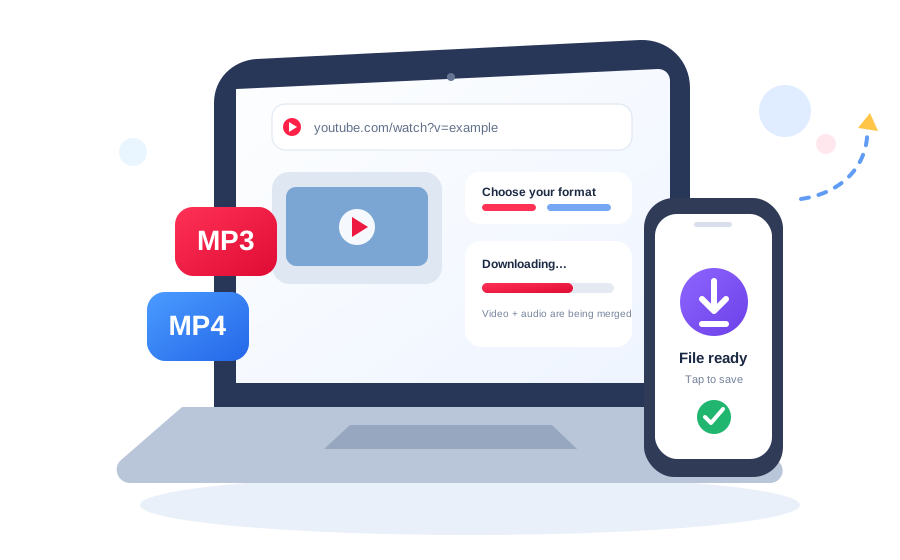
Guide hub: These guides explain the decisions behind the downloader—MP3 bitrate, video resolution, and what to do when a processing job fails. They are written to help you choose settings instead of simply repeating tool keywords.
Start with the question you actually have
MP3 bitrate guide
Understand what 128, 192, 256, and 320 kbps mean, when a higher bitrate is useful, and why source quality still matters.
Read bitrate guide →Video resolution guide
Compare 360p, 480p, 720p, 1080p, 1440p, and 4K without assuming the biggest number is always the right choice.
Read resolution guide →Download troubleshooting
Learn what queued, failed, unavailable, expired, and network errors mean and what you can reasonably try next.
Open troubleshooting →Why these pages are separate
The downloader page is for action. The guides are for explanation. Keeping those intents separate makes the tool faster to understand while giving people who want detail a place to learn without crowding the first screen.